How HappyTrails Works
From opening the app to listening to your first audio guide — and on to planning and sharing a full trip — here's everything that happens, step by step. No downloads, no complicated setup. Just open and explore.
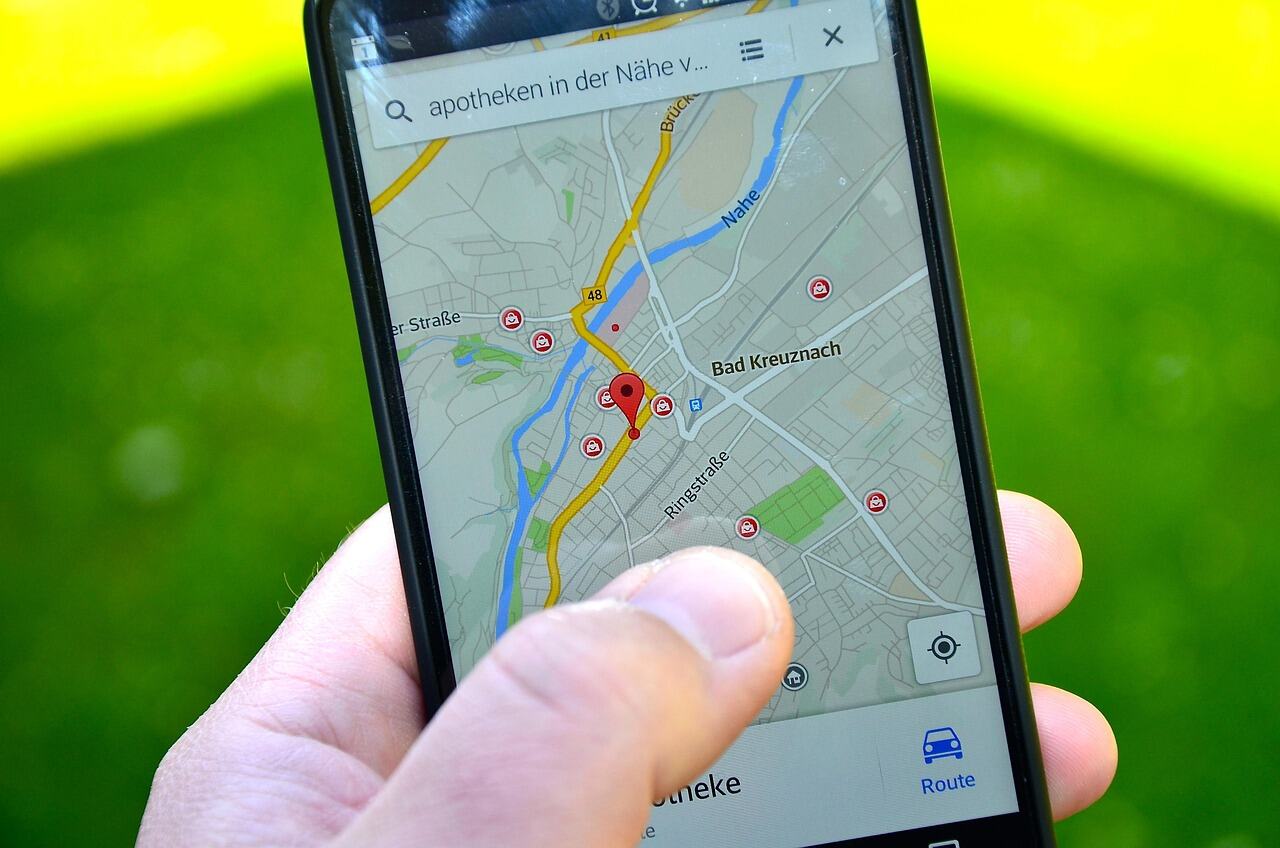
Your Pocket Tour Guide
HappyTrails works entirely in your browser. Just open the app, allow location access, and start exploring. No downloads, no sign-ups for third-party services, and no complicated setup. These simple steps take you from opening the app to hearing your first AI-narrated guide — then planning a day-by-day trip and sharing it with friends.
Share Your Location
When you open HappyTrails, the app requests permission to access your device's GPS. Once granted, it immediately knows where you are and begins searching for interesting places nearby. Location access is optional — you can always search manually instead.
- One-time browser permission prompt — no repeated nagging
- Uses the device's built-in GPS for accurate positioning
- Location updates as you move so nearby results stay relevant
- Full functionality available even without GPS via manual search
Discover Nearby Attractions
HappyTrails automatically finds every notable point of interest around you. Results appear in seconds, showing restaurants, museums, parks, historical landmarks, cafes, churches, and more — complete with photos, ratings, and how far each one is from where you stand.
- Automatic nearby search triggered as soon as GPS location is available
- Covers a wide radius to surface hidden gems you might walk past
- Each result shows a photo, star rating, address, and category
- Distance calculated in real time so you know what's closest
Search for Any Destination
Want to plan ahead? Type any place name, city, or category into the search bar. Suggestions appear as you type, so you can find the Eiffel Tower, the best pizza in Naples, or national parks near you in just a few keystrokes.
- Covers millions of places worldwide, from famous landmarks to local gems
- Instant suggestions appear as you type
- Results near your current location come first when you're on the go
- One-tap selection from suggestions to load results instantly
Browse the Map or List
Toggle between an interactive map and a scrollable list view. On mobile, switch with a single tap. On desktop, both views display side by side. Map markers are color-coded by category, and tapping any marker opens an info popup with a photo, rating, and quick actions.
- Interactive map with custom category-colored markers
- Info popups on each marker with photo, rating, type, and distance
- One-tap 'View Details' button on every popup to open the full guide
- Pan the map and tap 'Search this area' to discover new places as you move
Filter to What Matters
Not interested in every result? Open the filter panel to narrow your results by place type (museums, restaurants, parks, etc.) or by distance. Only want cafes within 500 meters? Set it and see your results update instantly in both the list and on the map.
- Filter by place type with color-coded category badges
- Set minimum and maximum distance from your location
- Active filter count shown on the filter toggle button
- Clear all filters with one tap to return to full results
Open the Place Detail Page
Tap any place in the list or map to open a rich detail view. You'll see a high-resolution photo, full address, star rating, category badges, and an AI-generated summary that gives you the essential facts at a glance before diving into the full guide.
- High-resolution place photo
- Full address with a link to open directions in your maps app
- Star rating, review count, and category badges
- AI-generated summary with the key facts about the place
Read Your AI Tour Guide
Below the summary, HappyTrails presents a full AI-generated tour guide divided into six focused sections: Overview, History, Architecture, Culture, Food, and Tips. Each section is written in a warm, conversational tone and is designed to be read in under a minute or listened to while walking.
- Six guide sections covering every angle of the destination
- Thoughtfully written for accuracy, warmth, and an easy read
- Concise, voice-over-friendly paragraphs designed for audio
- Loads instantly on repeat visits, even on a slow connection
Listen with Text-to-Speech
Every guide section has a prominent Listen button at the top. Tap it to hear the section read aloud in clear, natural speech. Put your phone in your pocket, keep your eyes on the sights, and let HappyTrails narrate your tour. Once you've heard a section, it plays back instantly the next time.
- One-tap audio playback for every guide section
- Clear, natural-sounding narration that's easy to listen to
- Plays back instantly the next time, with no extra data used
- Hands-free experience — no need to look at your screen
Save Places to a Trip
Found somewhere worth visiting? Add it straight to a trip and a specific day — from search results, a map popup, or the place detail page. A 'Saved' indicator appears wherever a place is already on one of your trips, so you always know what's on your plan, and you can't accidentally add the same place to a day twice.
- Add any place to a chosen trip and day in a couple of taps
- 'Saved' badge shows up on the list, map popups, and detail page
- Jump straight to the trip a saved place belongs to
- Duplicate protection keeps each day clean and tidy
Plan Your Days
Open the trip planner to organize everything day by day. Create a trip with a destination and dates, split it into days, and arrange your stops in the order you'll visit them. Drag to reorder, move places between days, add notes to any stop, and see the distance between consecutive stops so your route makes sense. Prefer a head start? Let the AI draft a full day-by-day itinerary from your destination and interests, or paste an itinerary you already have (from ChatGPT, an email, anywhere) and HappyTrails turns it into a real trip.
- Create trips with a destination, date range, and custom day labels
- Or start with AI: enter your destination, days, and interests and get a full draft itinerary to review before saving
- Or paste any itinerary text and HappyTrails matches each place to the real thing on the map
- Drag-and-drop to reorder stops or move them between days, and add personal notes
- Set your hotel as the trip's stay location and see each stop's distance from it, plus walking times and nearest stations between stops
Share Your Itinerary
When your trip is ready, generate a public share link and send it to your travel companions — no account needed to view it. The shared page lays out every day and stop with photos, descriptions, distances, and your notes, and recipients can print it or save it as a PDF. Want to inspire other travelers? Publish your trip to the public Explore Trips page, where anyone can browse, rate, and copy it — and you can copy trips from other travelers too.
- Generate a single public link for the whole trip — no sign-in required to view
- Print or save the itinerary as a PDF for offline use
- Publish to Explore Trips so other travelers can find, rate, and copy your trip
- Browse community trips yourself and copy any of them into your account as a starting point
- Revoke a share link or unpublish any time to instantly disable access
Ready to Try It?
Create your free account and follow these steps yourself. In under a minute, you'll have your first AI-narrated tour guide playing in your ear.
Create Free Account